UX Certification Course
About my work:
Below you will find a variety of pieces from the UX Certification Course I took in Fall 2019. The course took approximately four months to complete and applied a strict set of grading guidelines that I was to follow. Weekends, late nights, and several coffees were required to finish this course on top of the full-time role I had. The final product was a better understanding of the traditional textbook side of UX Design and a variety of practice projects to display in my portfolio.
I posted the snapshots and task descriptions of the projects here for convenience, but if you would like to view the entirety of the project, click on the pencil icon next to the project title.
Project | 01
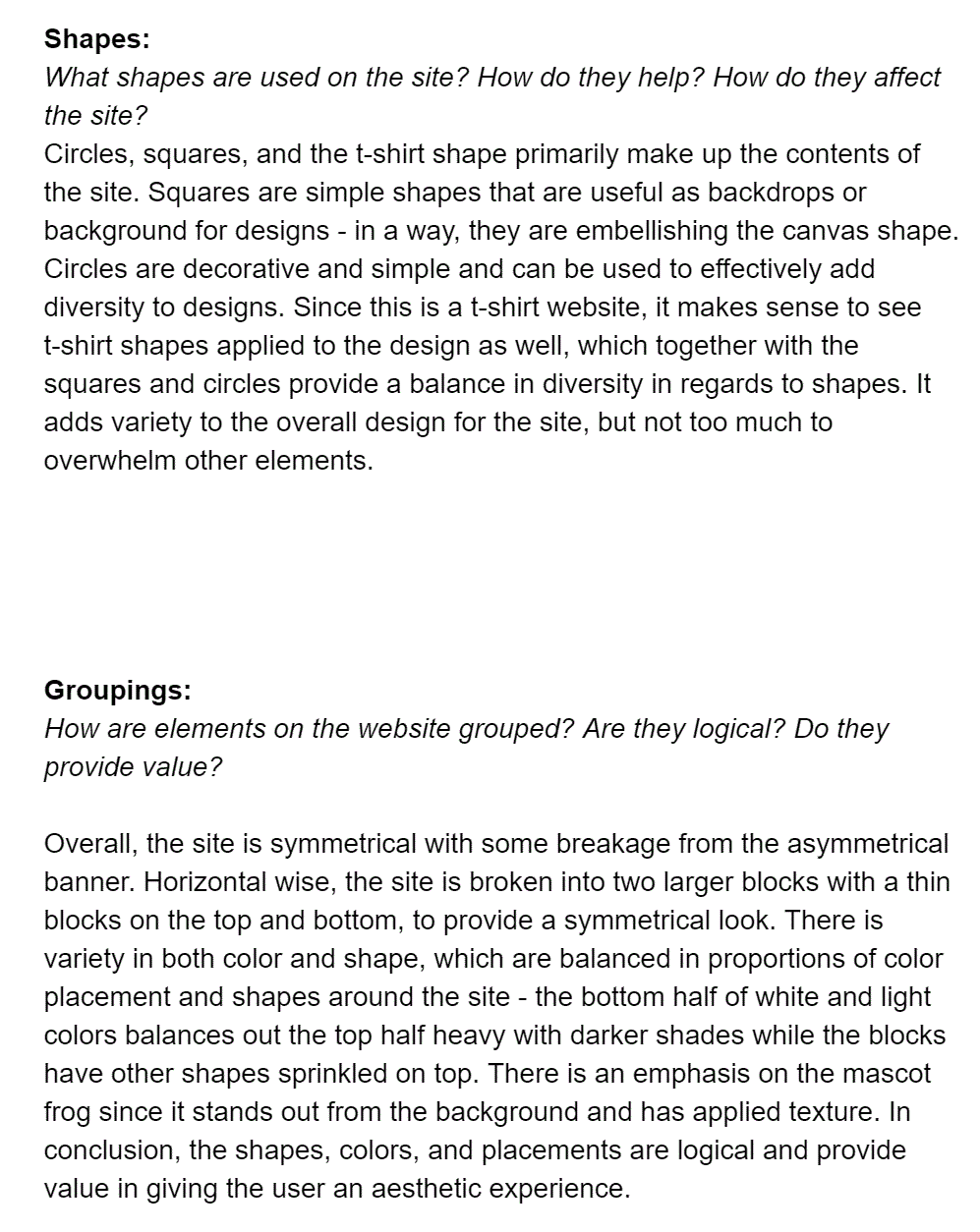
| Critique a T-Shirt Website
"Analyze a website to better understand its design elements and determine which are working and which may need to be changed. Think critically about how the website looks and functions and provide clear suggestions for improvements."
Techdegree UX Design Project 1 Description
Here I learned to assess and utilize design elements in a sample website - this was a fantastic introduction to building my skills on the skeletal work behind websites. To analyze the website effectively, I was presented by a series of questions that I was asked to answer, here being two of the more challenging questions.


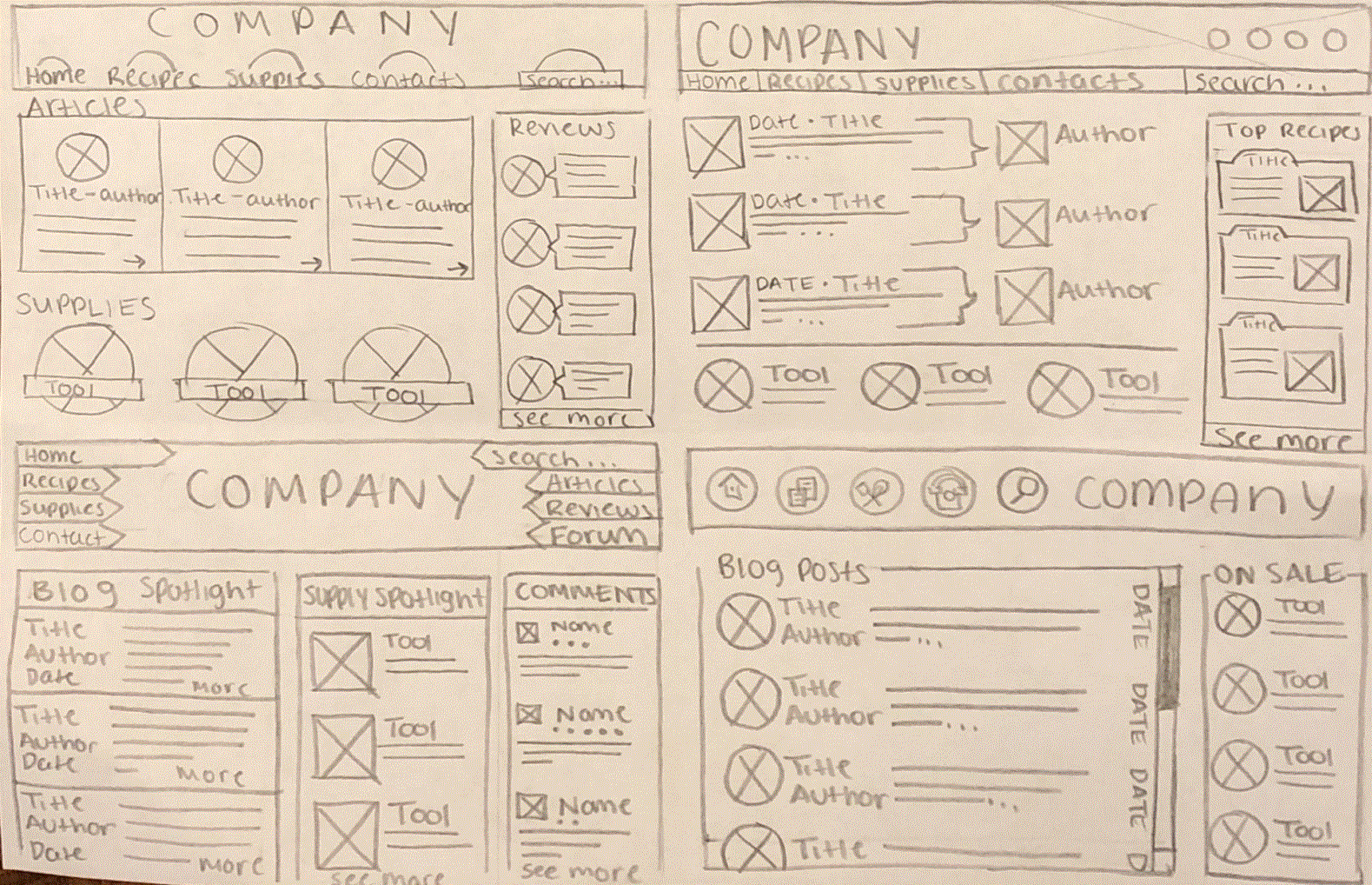
| Complete the Wireframe
"You've been asked to complete a wireframe for a blog run by a company that sells baking supplies. The blog itself focuses on recipes that use the ingredients and tools the company sells. After several meetings with company stakeholders, your supervisor has come up with the requirements for the basic layout. Your job is to come up with the details of the layout."
Techdegree UX Design Project 2 Description
I utilized the building blocks from my previous project work to complete a low-grade wireframe for an imaginative baking website. This allowed me to begin practicing real-world skills UX Designers must have.
Project | 02
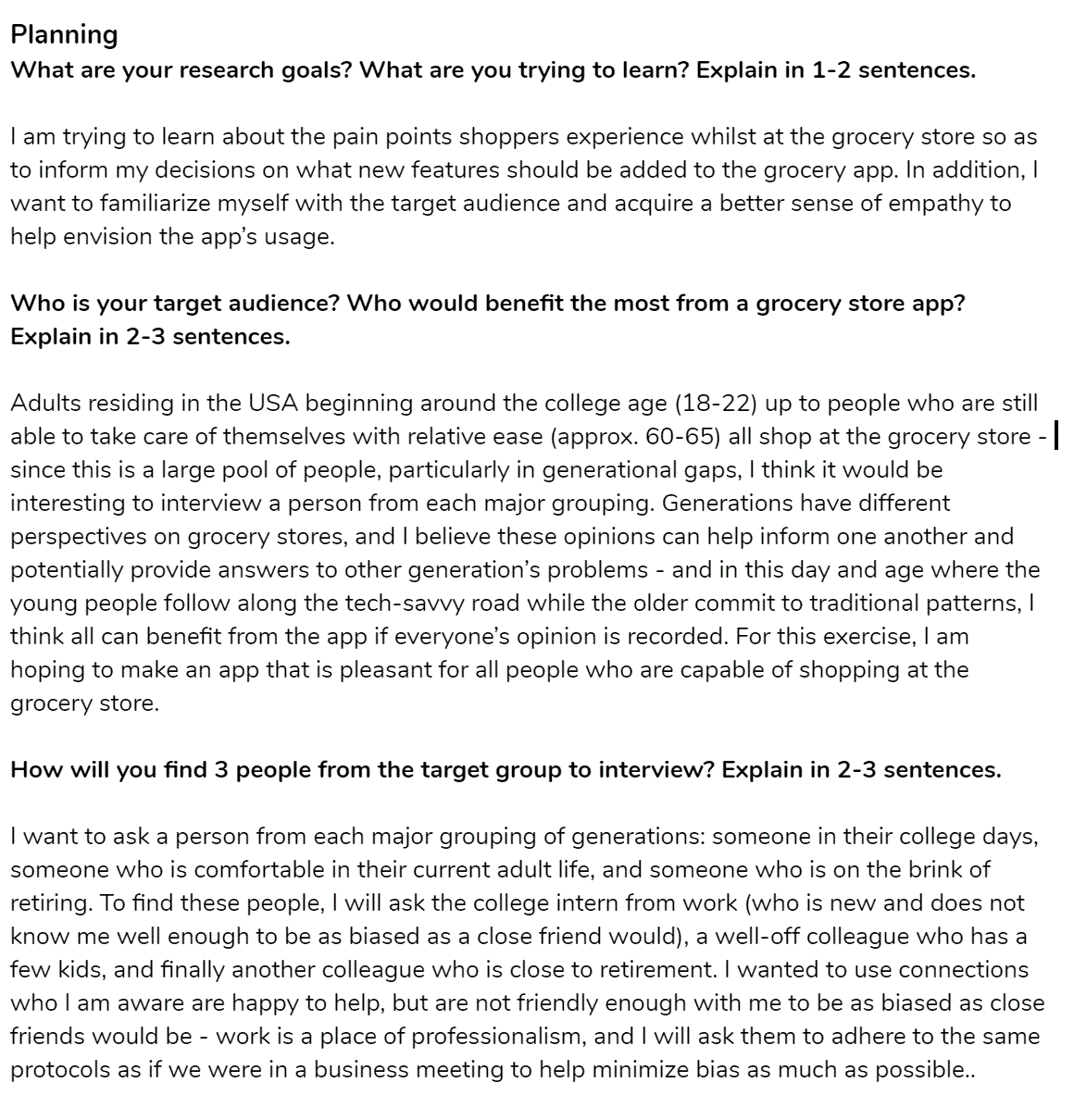
| Research a Grocery App
"Create a user research plan to gather feedback and data from your target audience. Analyze the data to determine an overall problem, or pain point, you will focus on solving."
Techdegree UX Design Project 3 Description
A good UX Designer must be able to interact with potential users and research requirements needed in their customer's product. For this product, I interviewed 3 people in order to build an evaluation of what would be needed in a grocery app.
Project | 03
Project | 04
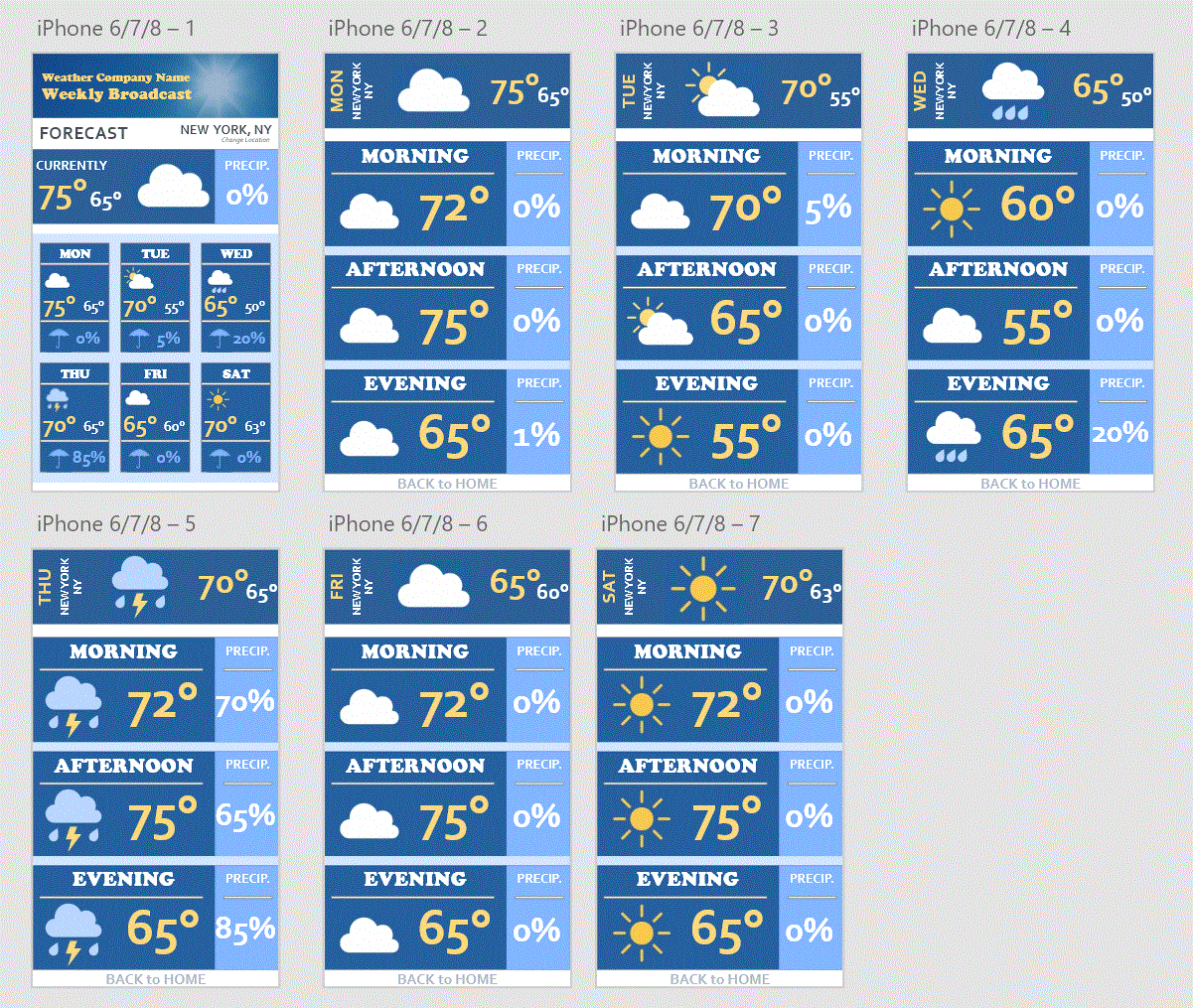
| Prototype a Weather App
"The company you work for is creating a new mobile app that tells users the weather. It will have two screens: one screen with an overview for the current day and upcoming days, and another screen where users can see more detail about each day."
Techdegree UX Design Project 4 Description
After learning about various digital tools UX Designers use to create prototypes, I was assigned to make an imaginary weather app complete with basic interactions and different screens. I learned valuable features in my tool, Adobe XD, and applied previously learned color theory elements and design principles.
Project | 05
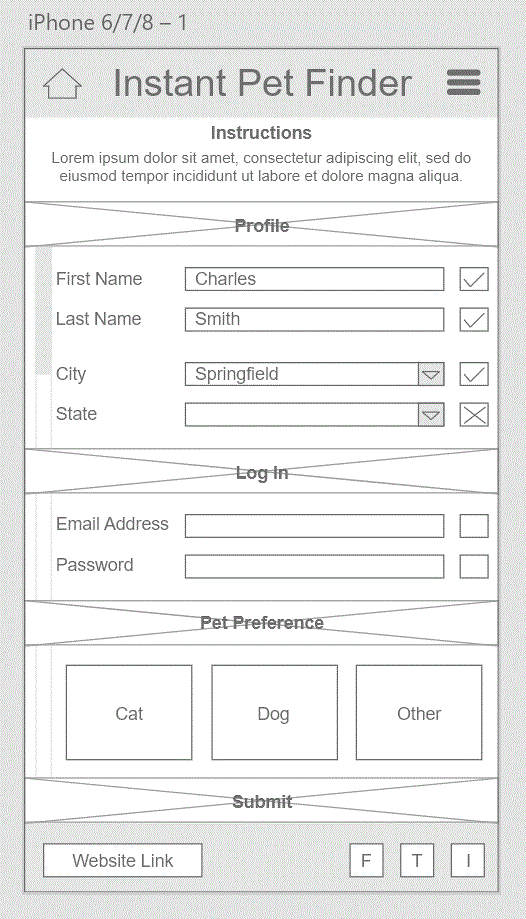
| Pet Adoption Signup
"Determine the stakeholder and audience for a project then create a wireframe of a single website screen using UX design patterns. Explain your choices and design decisions to your client."
Techdegree UX Design Project 5 Description
I learned making connections between requirements provided by an imaginary customer, what the stakeholders were focused on, and how it all applied to the design of their pet adoption app.
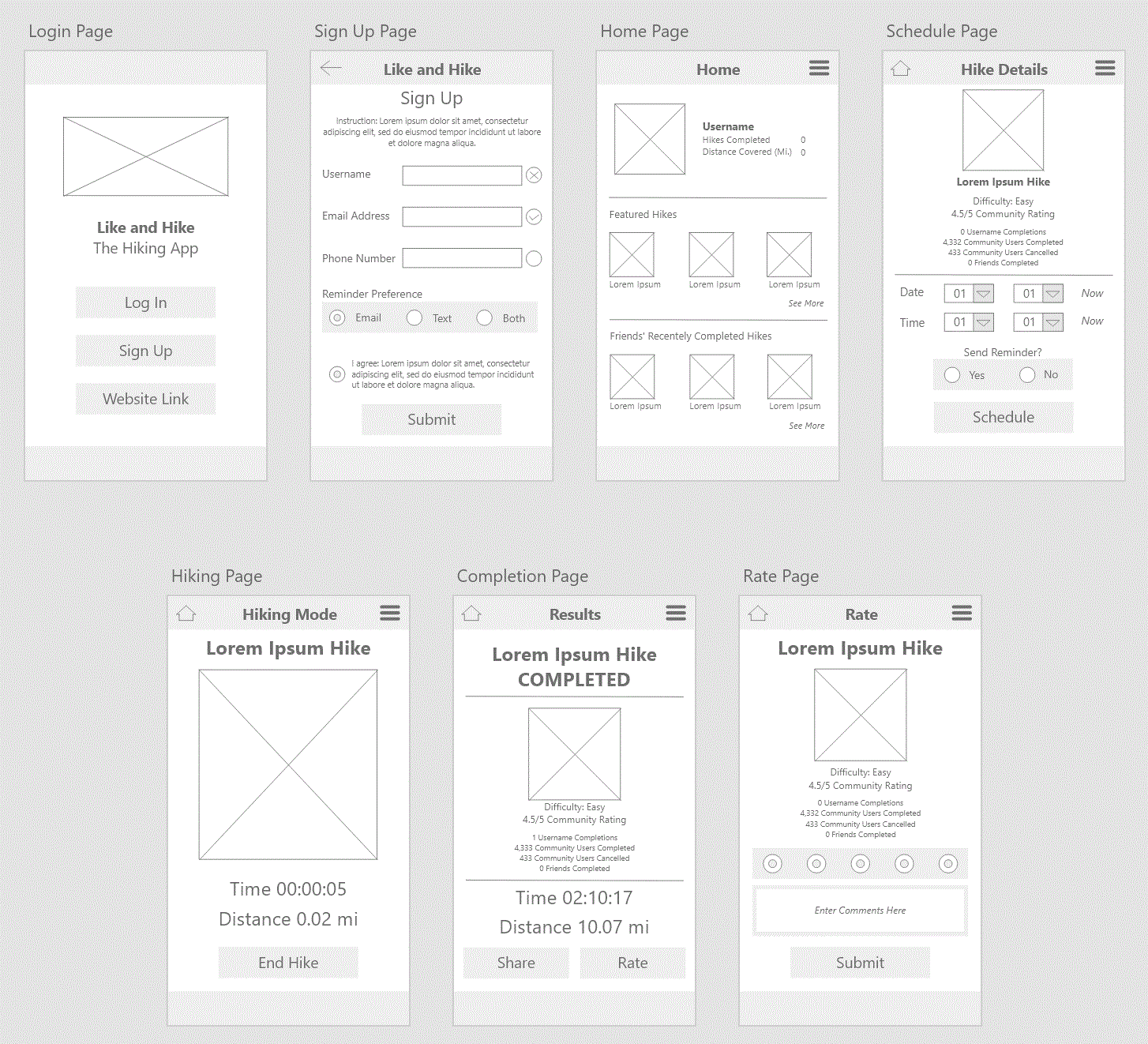
| Wireframing User Flow
for a Hiking App
"Utilize card sorting to determine how users will flow through a website or app to complete tasks and reach their goals. Pair user goals with business goals to create a design that works for both parties."
Techdegree UX Design Project 6 Description
Different techniques were taught in the recent course leading up to this project, so it was time to apply them to an app. I learned how utilizing card sorting can help with the design process and how to apply it to a real-world example.
Project | 06
Project | 07
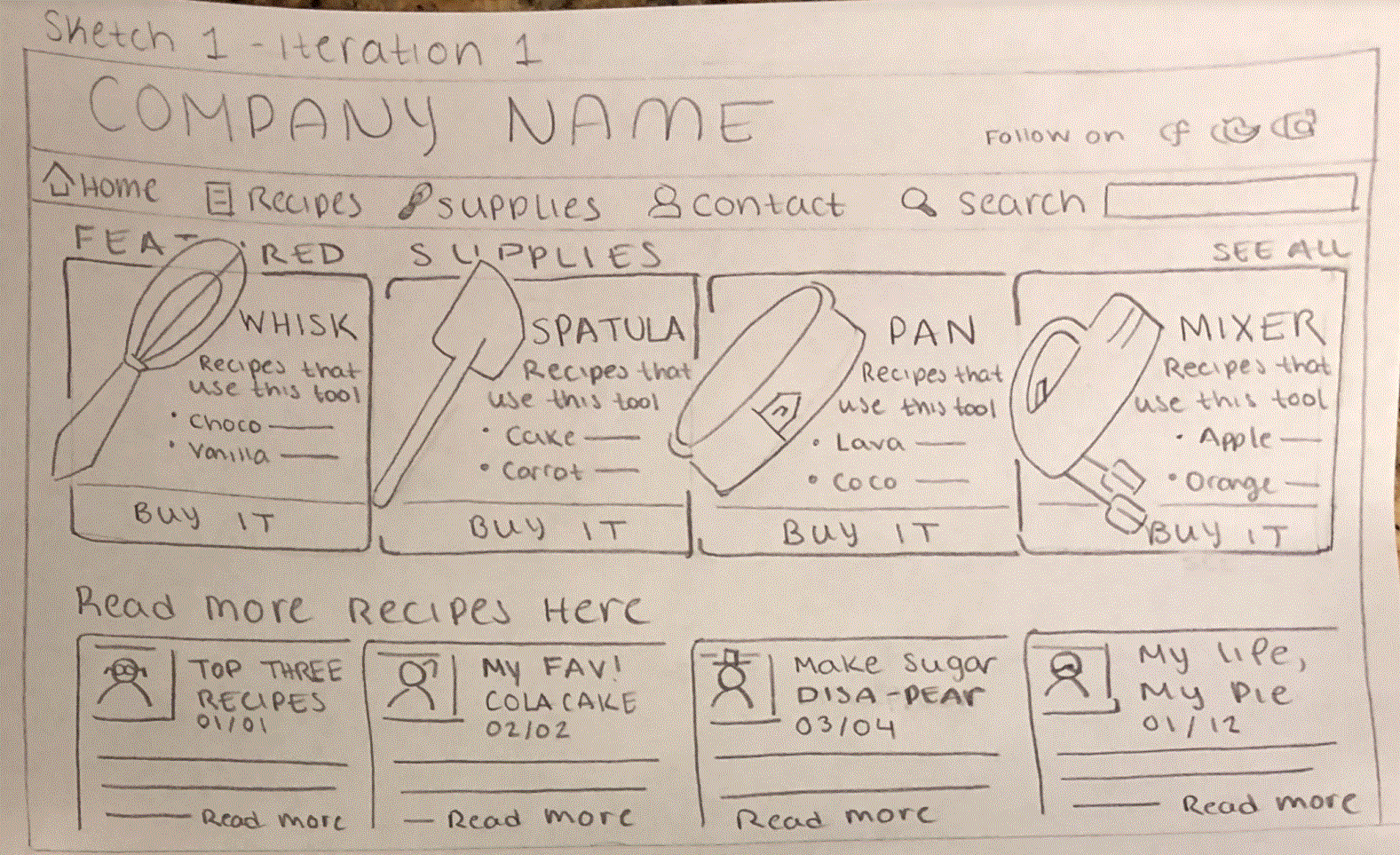
| Iterate on Visual Design
"Your previous blog wireframe from project #2 was well-received, but your supervisor has asked for two more iterations that take the design in different directions. The first iteration should put a focus on the business' baking products. ... The second iteration should increase their audience of tech-savvy elderly women."
Techdegree UX Design Project 7 Description
Returning to previous work is important in finding better solutions to design problems. Here we went back to project 2 to redesign the recipe website to attract two different audience types. I learned how the audience can greatly affect a website's design.
Project | 08
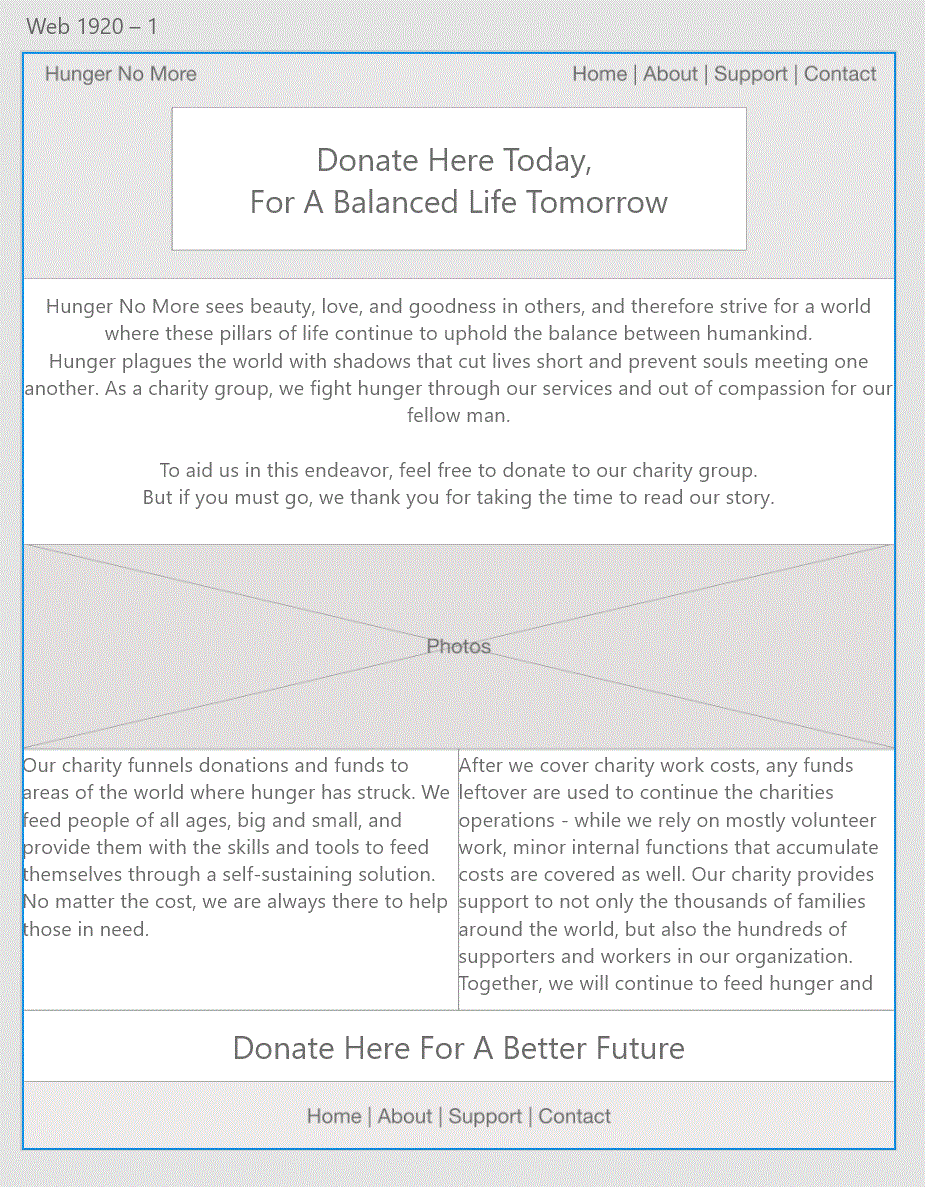
| Creating a Brand Personality
"Create a brand personality matching a company’s brand identity and values. Use the brand personality to create content for a webpage to improve the user experience."
Techdegree UX Design Project 8 Description
Brands are actually well thought out and must be carefully done so in order to carry out effective and brand-appropriate designs. I learned how each element behind a brand must be carefully chosen and be balanced with other variables so the personality is not too bland.
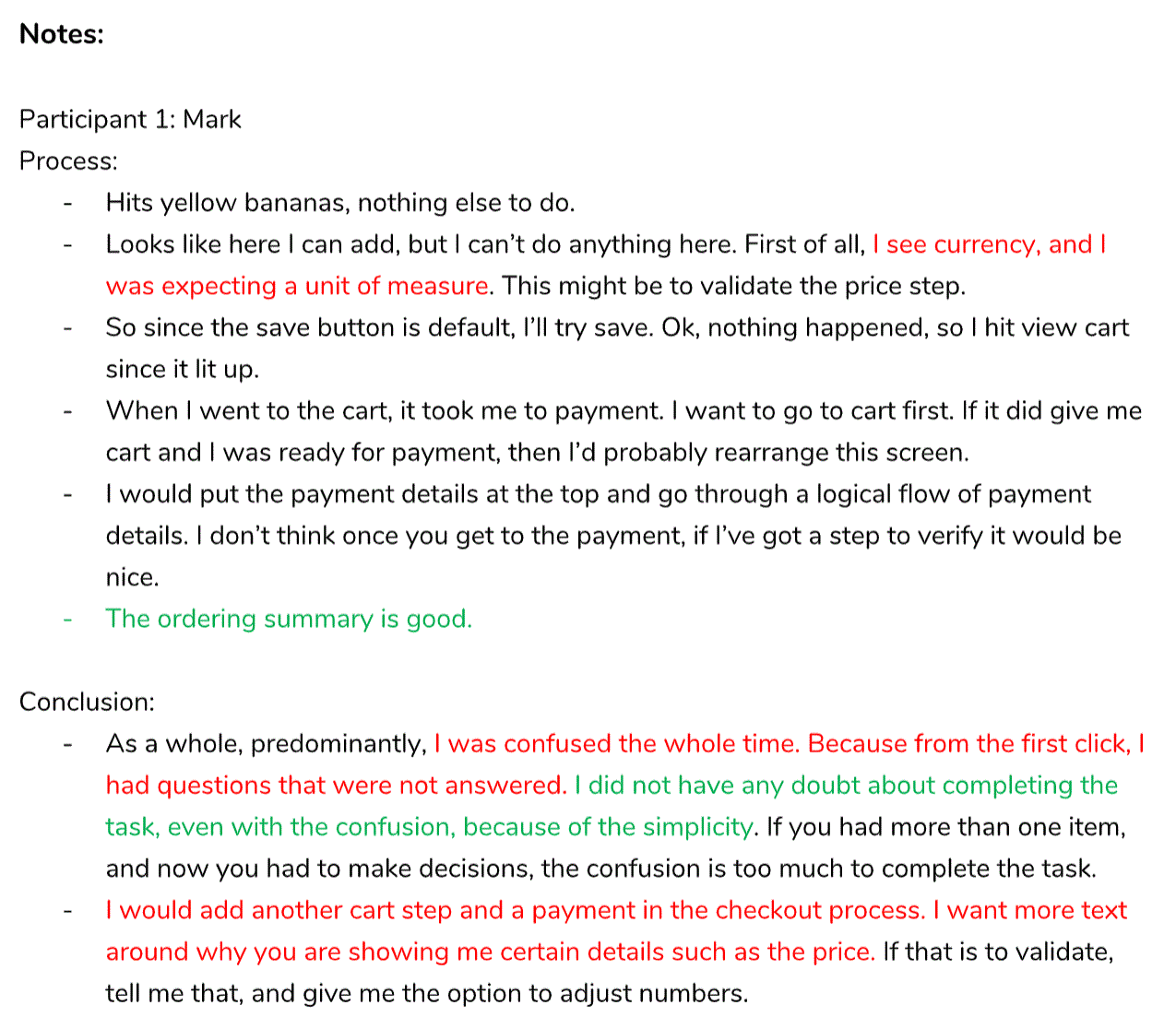
| User Testing a Grocery App
"Complete a usability test to gather feedback on a prototype. Analyze the feedback and determine next steps."
Techdegree UX Design Project 9 Description
The final project encompassed the final stages of design - receiving feedback and applying changes based on user testing. I learned that all users have different opinions about apps and can approach their functionality.
Project | 09